
Topeler YSW102 Wall Outlet
Device Type:
Electrical Standard:
Board:
Difficulty:Soldering required (4/5)
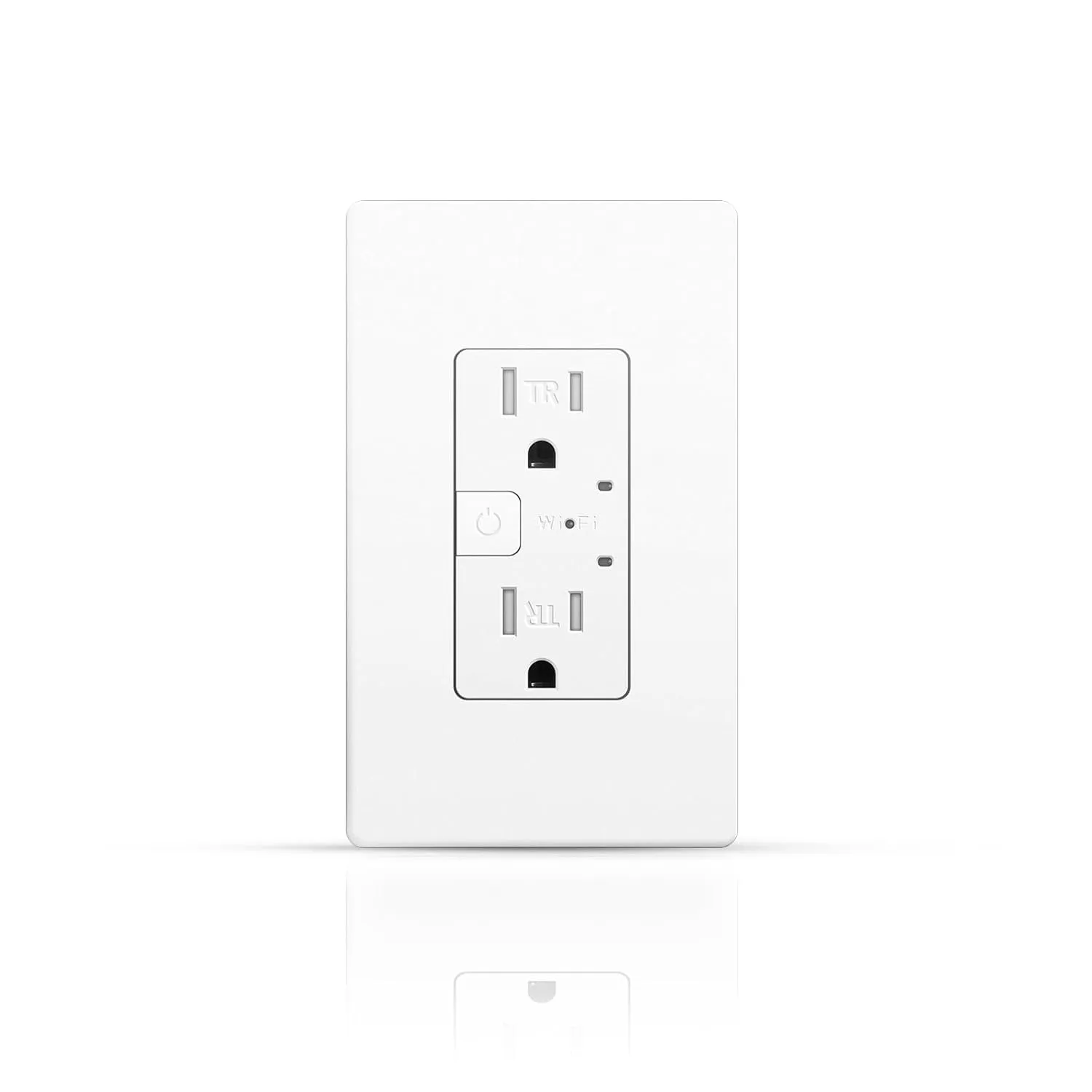
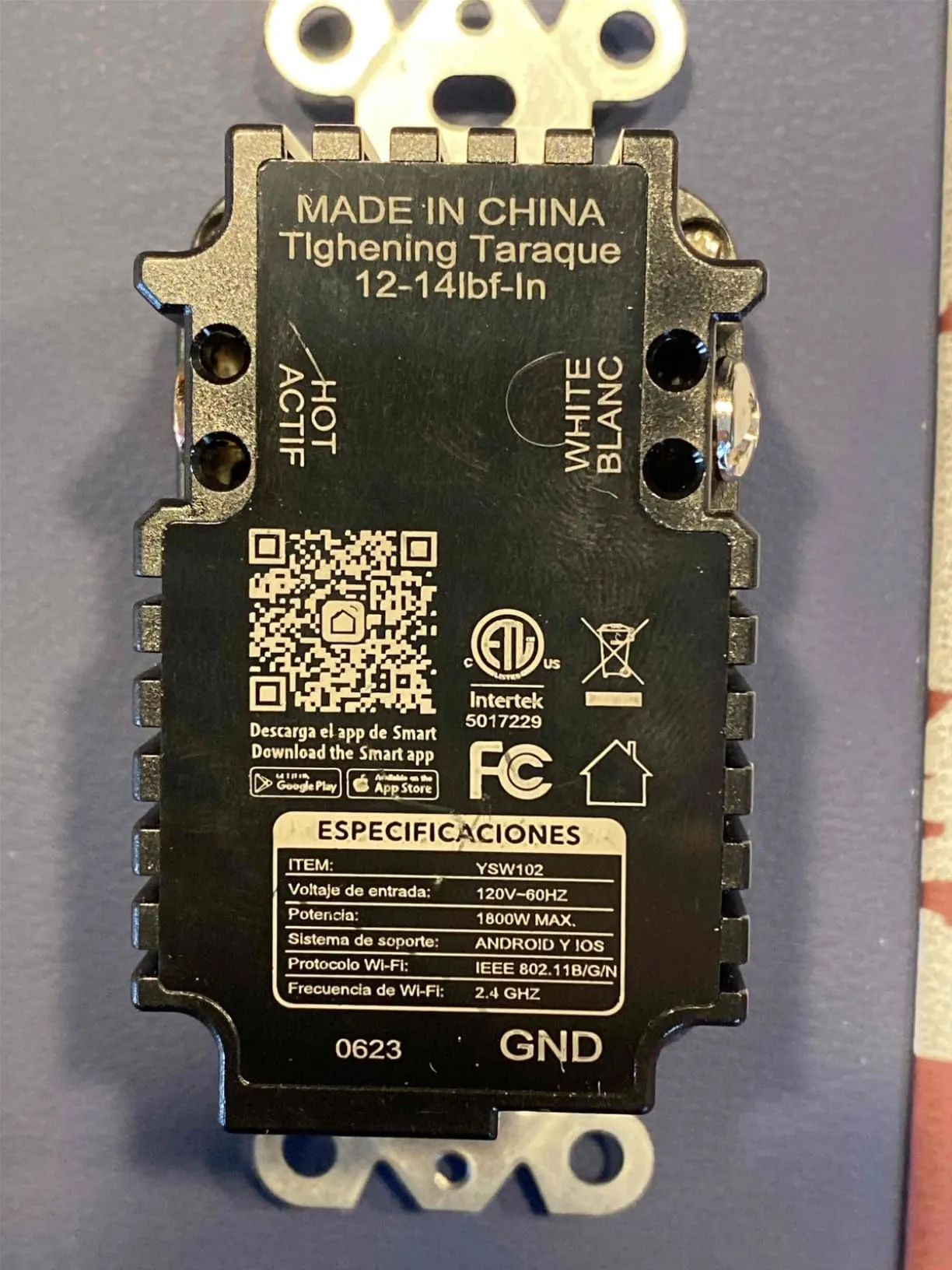
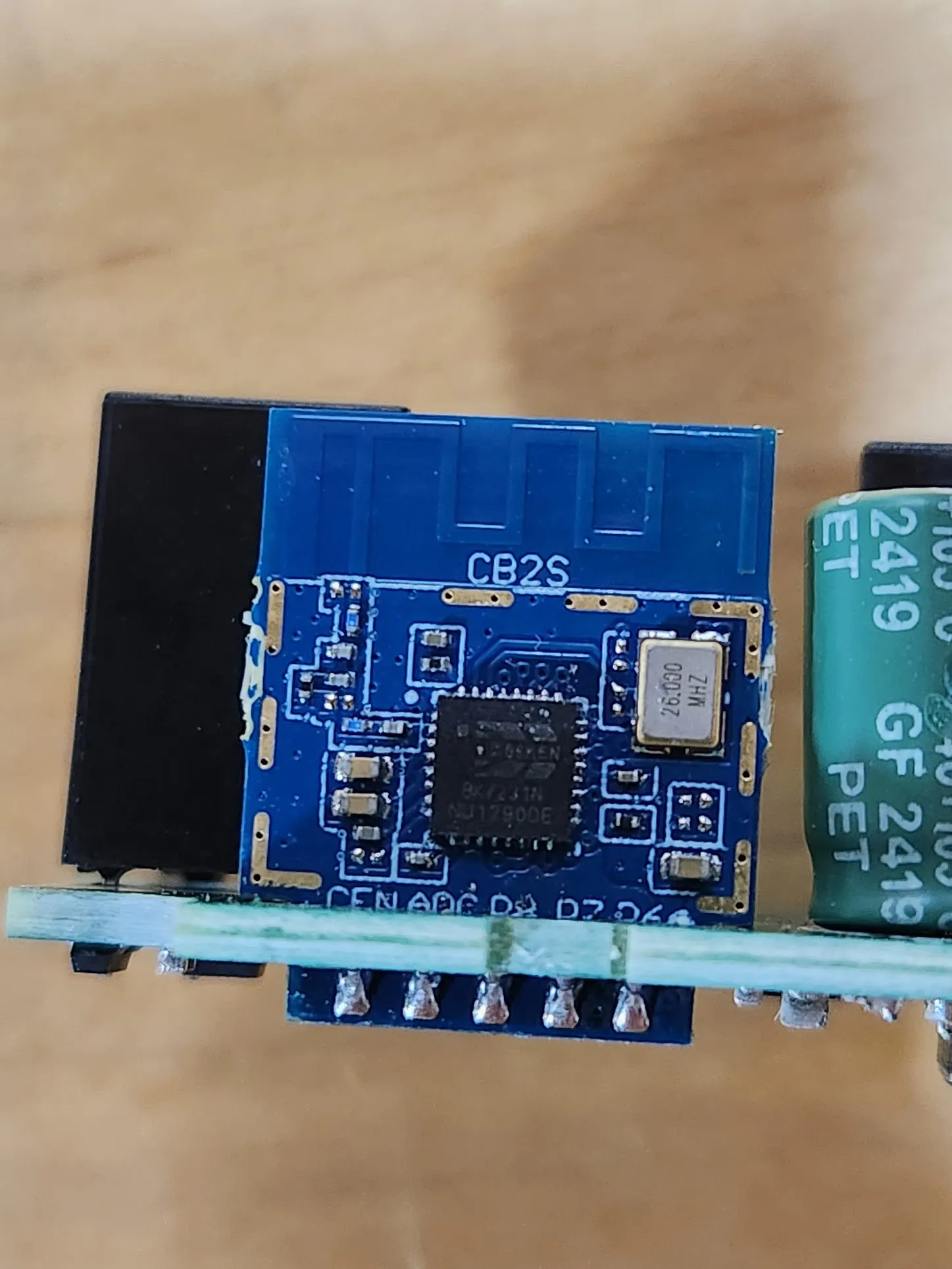
Each socket may be controlled individually. When a socket is on, the blue LED next to it is activated.
GPIO Pinout
| Pin | Alternate Pin Name | Function | Active |
|---|---|---|---|
| P8 | PWM2 | Upper Socket | High |
| P10 | RX1 | Input Button | Low |
| P11 | TX1 | Green LED | High |
| P26 | PWM5 | Lower Socket | High |
Tuya Cloudcutter
The board cannot be flashed with tuya-cloudcutter.
Basic Configuration
The button will turn off all sockets if the upper one is on. Otherwise, it will turn on all socket. Holding the button for more than 5 seconds will reset the wifi password and revert the device to the captive portal.
bk72xx:  board: cb2s
esphome:  comment: Topeler YSW102 Wall Outlet
output:  - platform: libretiny_pwm    id: output_green_led    pin: P11switch:  - platform: gpio    pin: PWM2    id: upper_relay    name: Upper Socket    restore_mode: RESTORE_DEFAULT_OFF    device_class: outlet  - platform: gpio    pin: PWM5    id: lower_relay    name: Lower Socket    restore_mode: RESTORE_DEFAULT_OFF    device_class: outletbutton:  - platform: restart    id: do_restart    name: "Restart"  - platform: factory_reset    id: do_factory_reset    name: "Factory Reset to AP mode"binary_sensor:  - platform: gpio    pin:      number: P10      inverted: True # The button is active low.      mode: INPUT_PULLUP    id: input_button    on_press:      then:        - if:            condition:              - switch.is_on: upper_relay            then:              - switch.turn_off: upper_relay              - switch.turn_off: lower_relay            else:              - switch.turn_on: upper_relay              - switch.turn_on: lower_relay        - while:            condition:              - binary_sensor.is_on: input_button            then:              - light.toggle: green_led              - delay: 250ms    on_click:      - min_length: 5s        max_length: 100s        then:          - repeat:              count: 6              then:                - light.toggle: green_led                - delay: 100ms          - button.press: do_factory_resetlight:  - platform: status_led    id: green_led    name: Green LED    output: output_green_led    disabled_by_default: True    restore_mode: RESTORE_DEFAULT_OFF