
LSC Smart Connect Power Plug 3202087.2
Overview
The LSC Smart Connect Power Plug 3202087.2 is a 2.4 GHz EU smart plug with a single relay, a front-panel button, and BL0937-based energy monitoring. The unit documented here uses a Tuya T1-2S-NL module.
Product Images
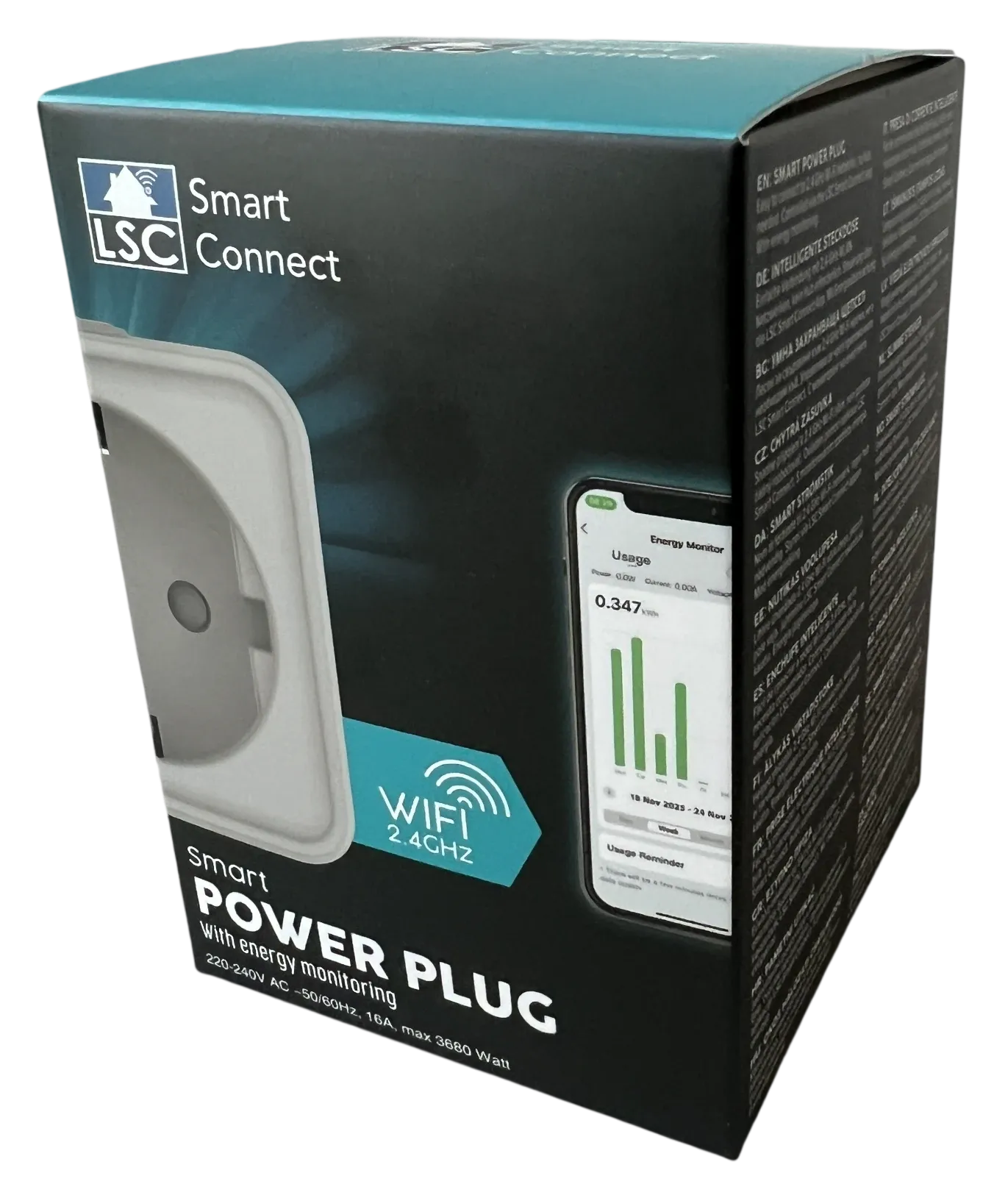
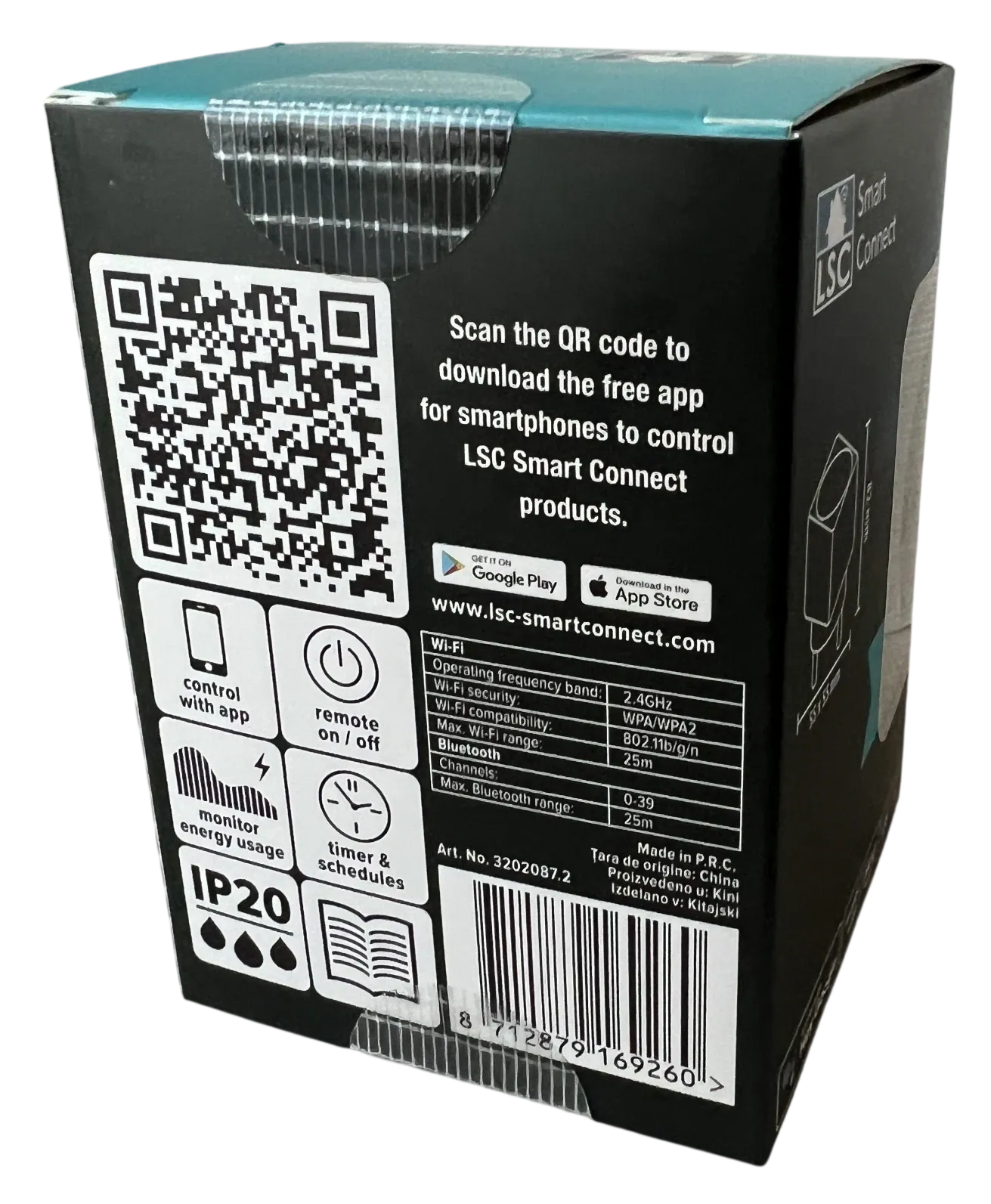
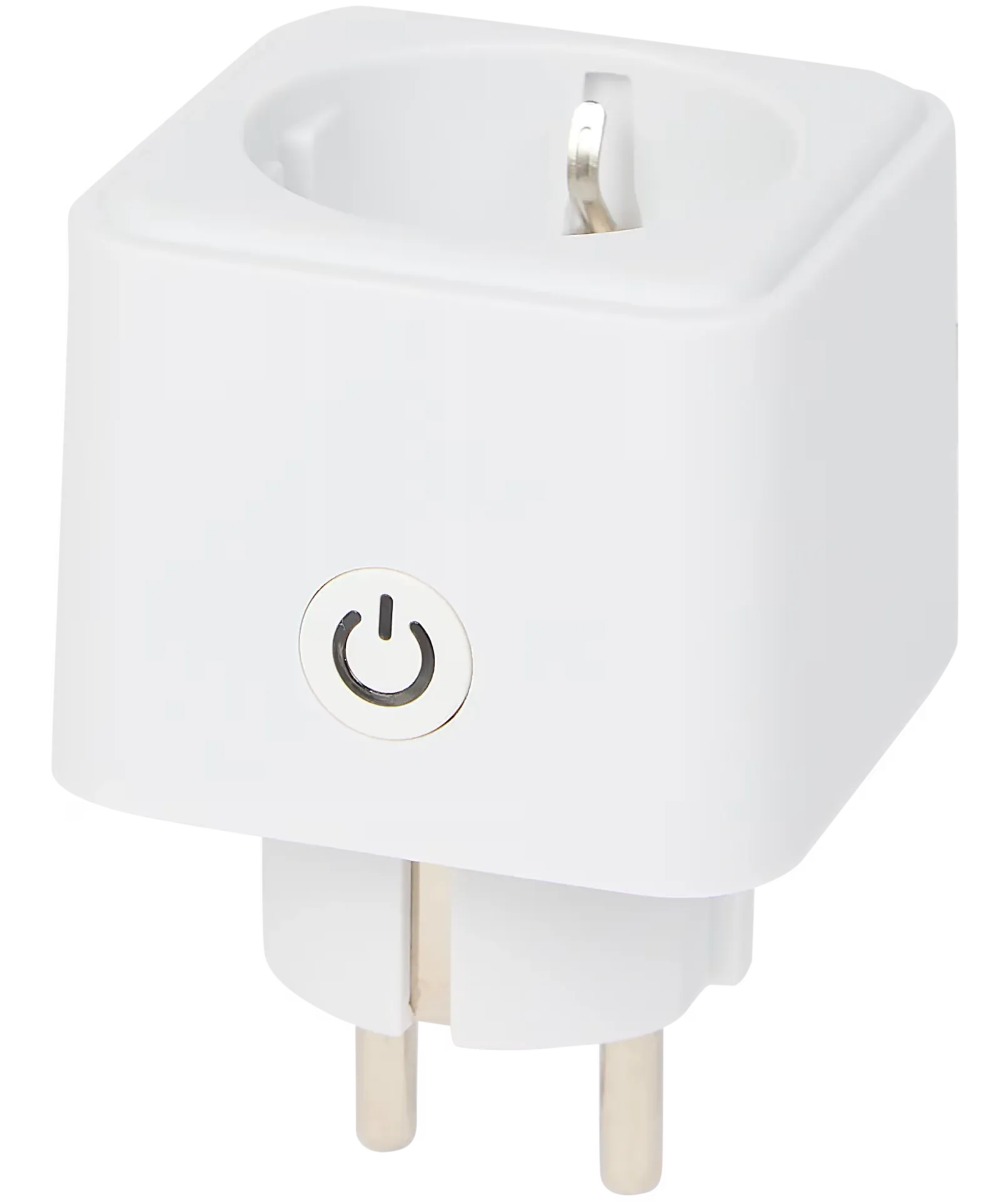
Board and Module Photos
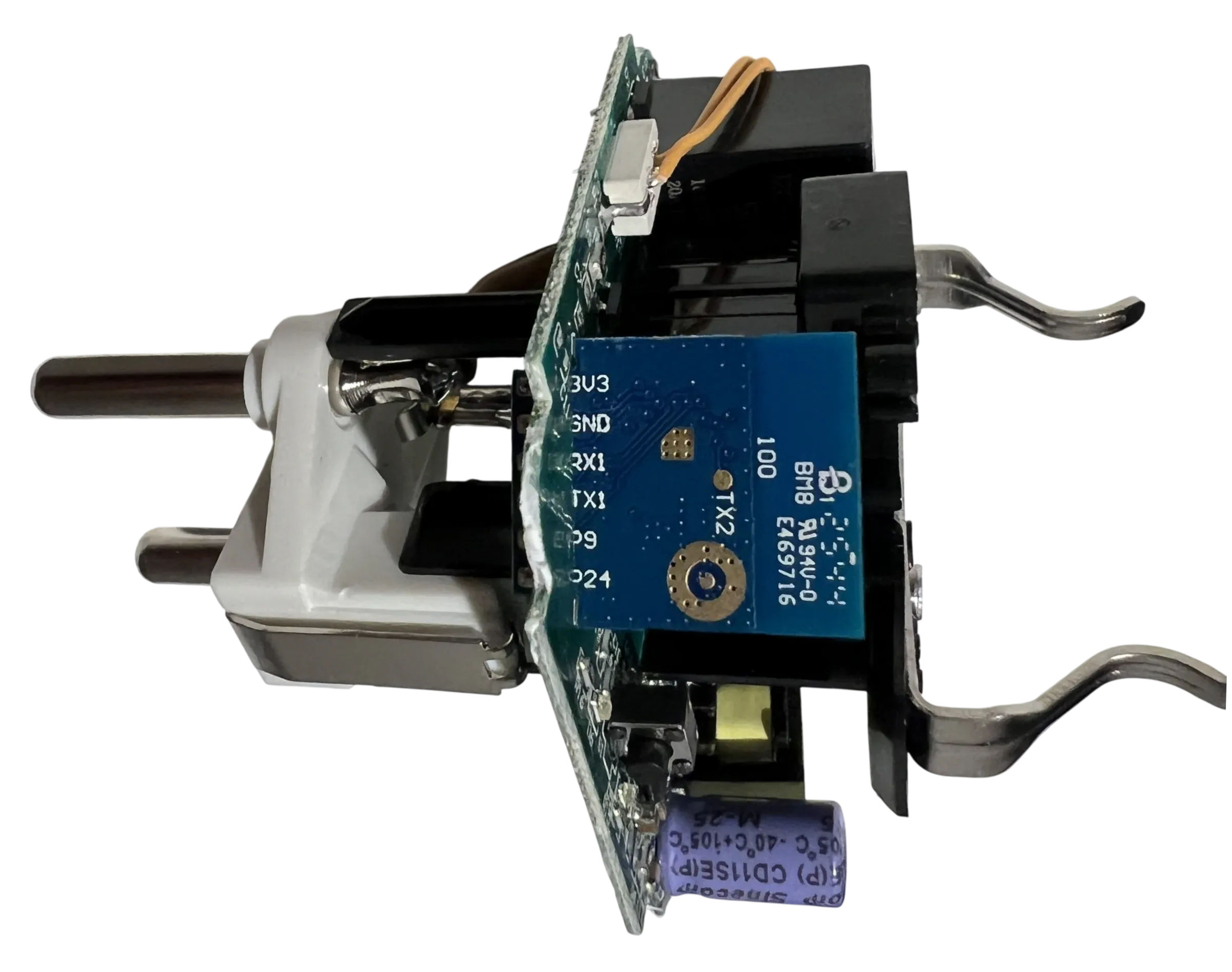
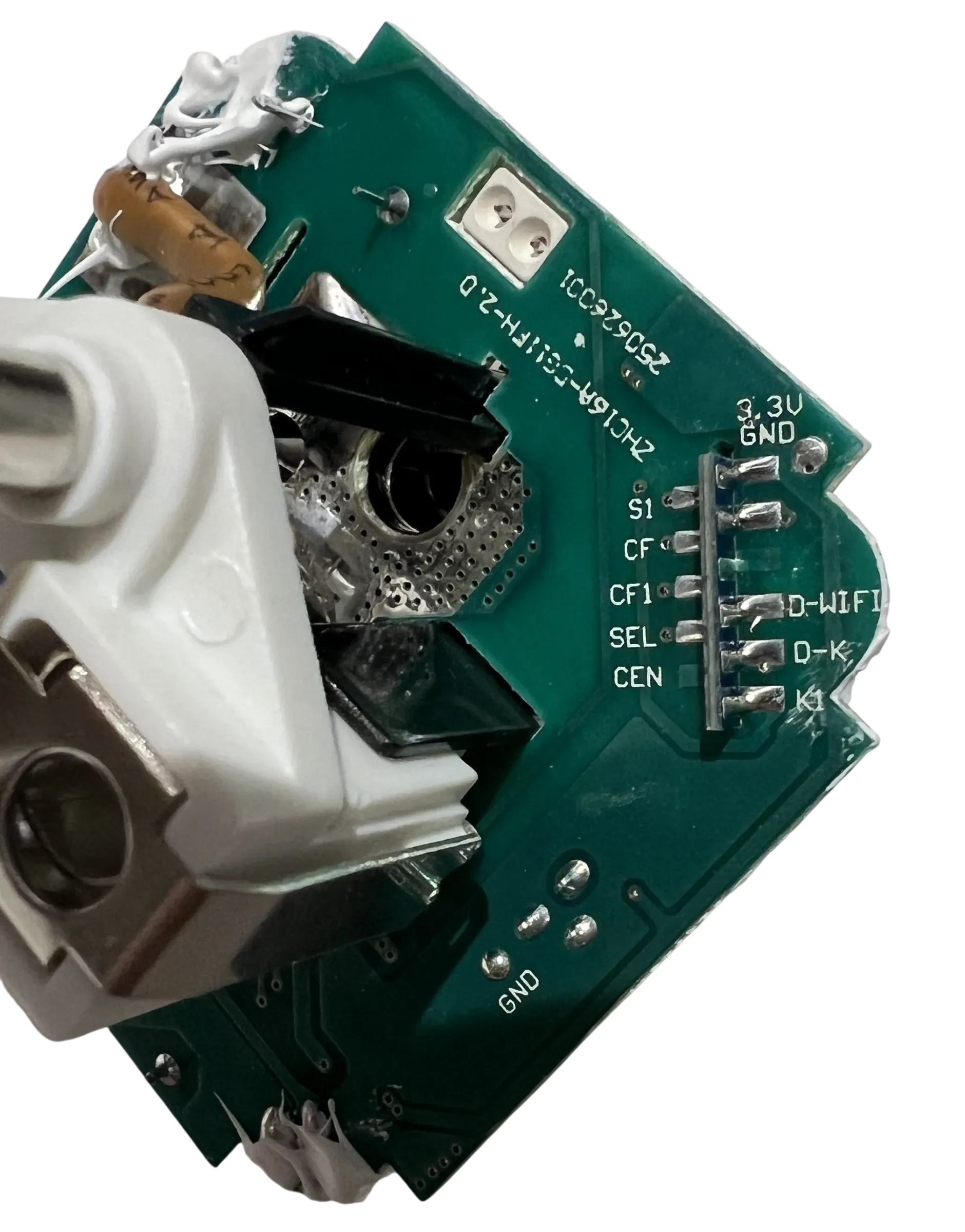
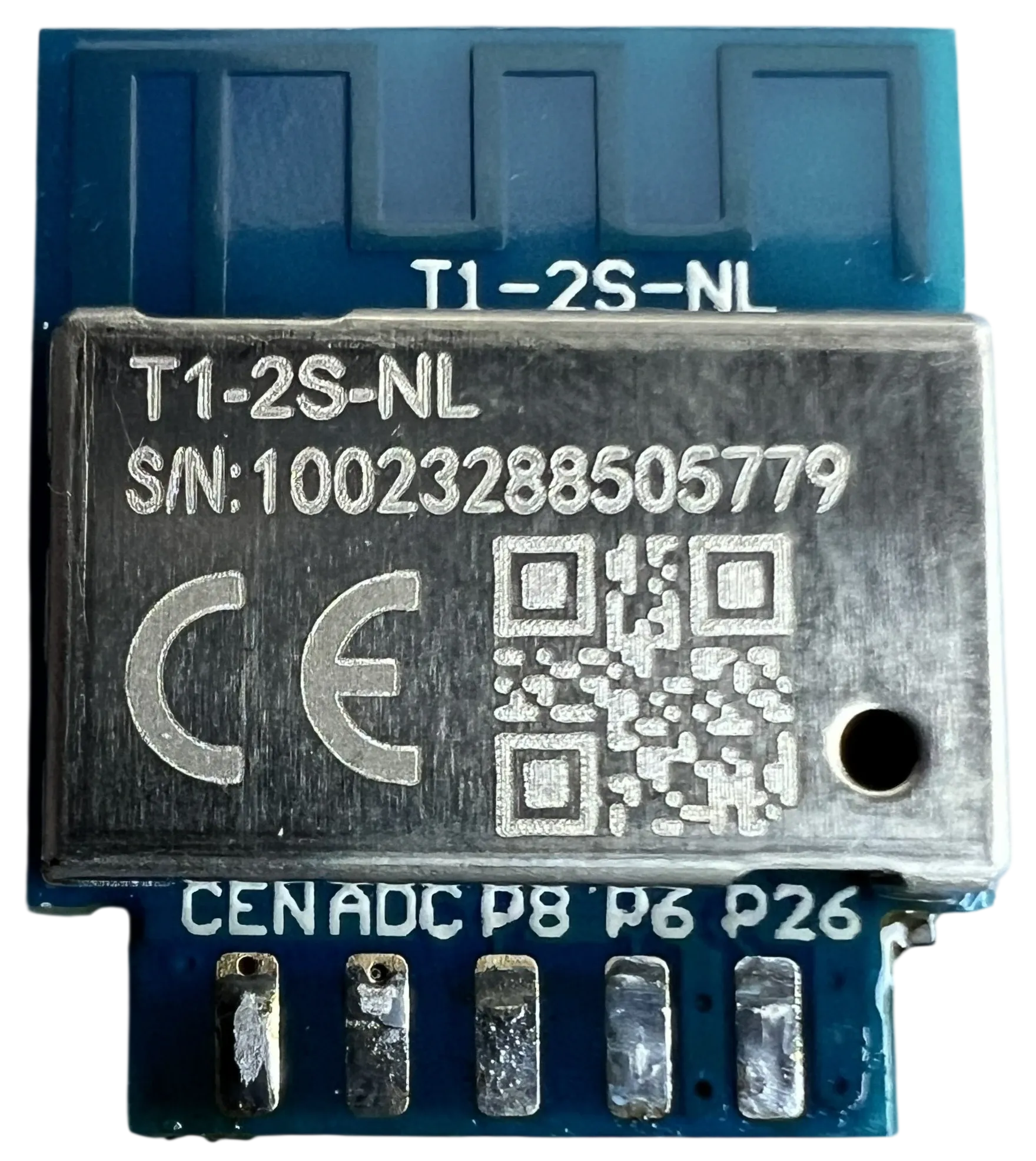
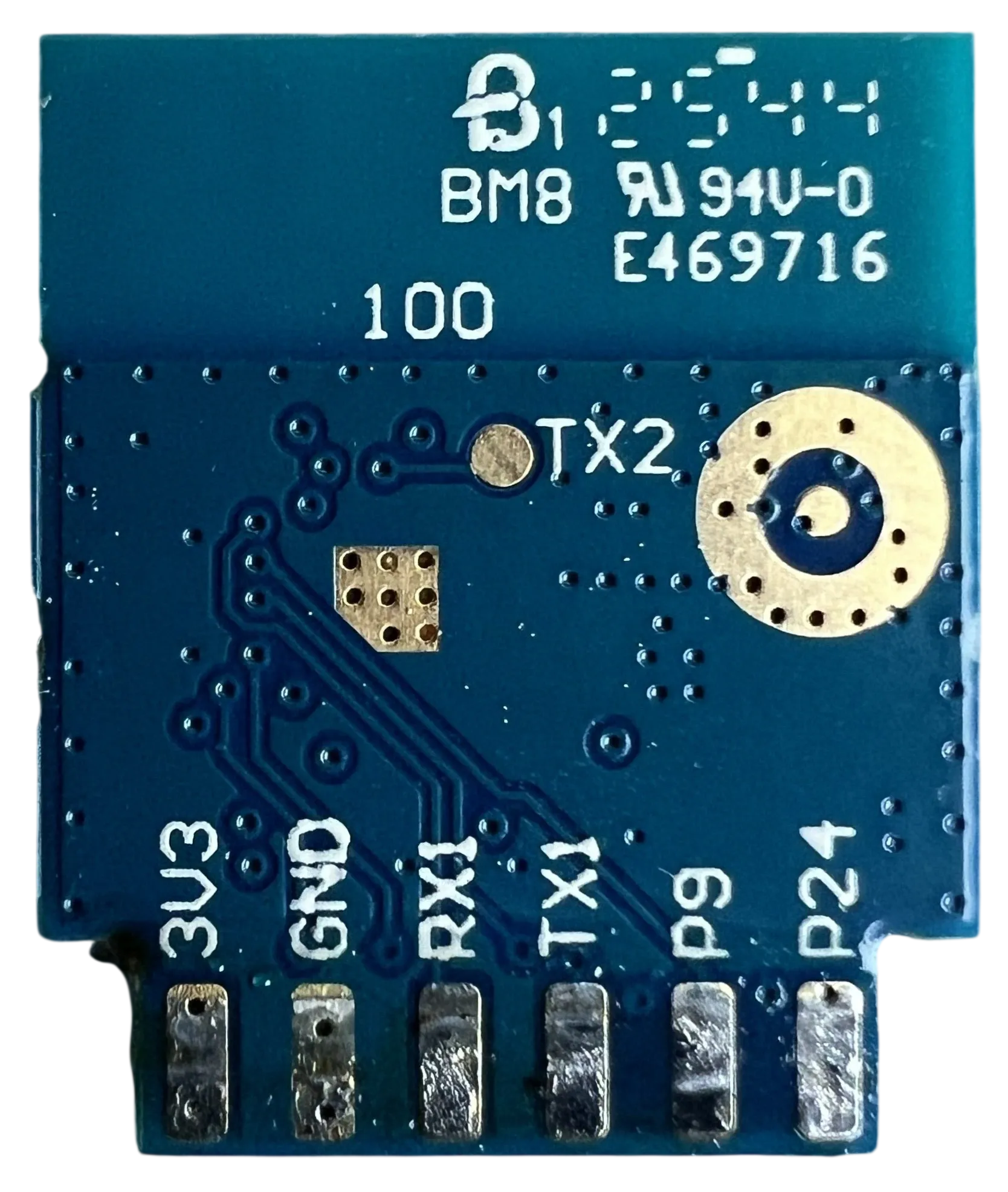
The module photos are useful because the side castellations are clearly labelled. On this board you can see
3V3, GND, RX1, TX1, P9, and P24 on one side, and CEN, P1 (ADC/SEL), P8, P6, and P26 on the other.
Opening and Flashing
This device is not flashable without opening the enclosure. To install ESPHome you need to disassemble the plug and solder temporary wires to the UART pads.
- Unplug the device from mains power before opening it.
- Solder to
3V3,GND,RX1, andTX1on the module or its matching breakout pads on the PCB. - Cross the UART lines when connecting your adapter: adapter TX to device RX1, adapter RX to device TX1.
- Use 3.3 V UART levels only. Many USB-to-UART adapters can handle the serial connection but cannot supply enough
current to power the whole board reliably, so if flashing is unstable or the board keeps resetting, power the PCB
from a separate regulated 3.3 V supply and connect its
GNDto the adapterGND. - If your flashing workflow needs a reset line, the board also exposes
CEN.
Because the Wi-Fi status LED is wired to P11 / TX1, the example configuration disables UART logging with
logger: baud_rate: 0.
GPIO Pinout
The PCB silkscreen is clear and matches the working ESPHome mapping below.
| Pin | PCB silk | Module silk | Function |
|---|---|---|---|
| P26 | S1 | P26 | Front button |
| P6 | CF | P6 | BL0937 CF |
| P8 | CF1 | P8 | BL0937 CF1 |
| P1 | SEL | P1 | BL0937 SEL (inverted) |
| P11 | D-WIFI | TX1 | Wi-Fi status LED |
| P9 | D-K | P9 | Relay LED |
| P24 | K1 | P24 | Relay |
Basic Configuration
The base configuration below covers the relay, button, both LEDs, the internal temperature sensor, and BL0937 power
monitoring. Add your own wifi:, api:, and ota: sections before flashing. The example also leaves out passwords
and !secret references so you can merge it into your own setup and fill in your local credentials separately.
substitutions:  name: lsc-plug-3202087-2  friendly_name: LSC Smart Power Plug 3202087.2  current_resistor: "0.00107"  voltage_divider: "803.059"
esphome:  name: ${name}  friendly_name: ${friendly_name}  platformio_options:    custom_versions.beken-bdk: 3.0.78
bk72xx:  board: generic-bk7238-tuya  family: BK7238  framework:    version: 0.0.0    source: https://github.com/libretiny-eu/libretiny#feature/bk7238
logger:  baud_rate: 0
wifi:  ap:
status_led:  pin:    number: P11    inverted: true
output:  - platform: gpio    id: relay_led_output    pin:      number: P9      inverted: true
switch:  - platform: gpio    name: "None"    id: relay_1    pin:      number: P24    restore_mode: RESTORE_DEFAULT_OFF    on_turn_on:      - output.turn_on: relay_led_output    on_turn_off:      - output.turn_off: relay_led_output
binary_sensor:  - platform: gpio    name: Button    id: button_1    internal: true    pin:      number: P26      inverted: true      mode: INPUT_PULLUP    on_press:      - switch.toggle: relay_1
sensor:  - platform: internal_temperature    name: Internal Temperature    entity_category: diagnostic
  - platform: hlw8012    model: BL0937    sel_pin:      number: P1      inverted: true    cf_pin:      number: P6      inverted: true    cf1_pin:      number: P8      inverted: true    current_resistor: ${current_resistor}    voltage_divider: ${voltage_divider}    current:      name: Current      id: plug_current      unit_of_measurement: A      accuracy_decimals: 3      filters:        - multiply: 0.450158    voltage:      name: Voltage      id: plug_voltage      unit_of_measurement: V      accuracy_decimals: 1    power:      name: Power      id: plug_power      unit_of_measurement: W      accuracy_decimals: 1    energy:      name: Energy      id: plug_energy      unit_of_measurement: kWh      accuracy_decimals: 3      filters:        - multiply: 0.001    update_interval: 2s    change_mode_every: 2
Advanced Configuration
The advanced fragment below adds common diagnostic entities on top of the base config. Merge it into your own setup after you add networking.
binary_sensor:  - platform: status    name: Status    entity_category: diagnostic
sensor:  - platform: wifi_signal    name: WiFi Signal    entity_category: diagnostic    update_interval: 60s
  - platform: uptime    name: Uptime    entity_category: diagnostic
text_sensor:  - platform: wifi_info    ip_address:      name: IP Address    ssid:      name: Connected SSID
button:  - platform: restart    name: Restart    entity_category: diagnostic
BK7238 Support Status
At the time of writing, BK7238 support is still being worked on in ESPHome/LibreTiny. The example configuration therefore pins the Beken SDK version and pulls LibreTiny from the BK7238 feature branch:
esphome:  platformio_options:    custom_versions.beken-bdk: 3.0.78
bk72xx:  framework:    version: 0.0.0    source: https://github.com/libretiny-eu/libretiny#feature/bk7238
Once BK7238 support lands in regular releases, these overrides may no longer be required.
BL0937 Calibration
Start with the values shown in config.yaml and calibrate them with a trusted external meter plus a resistive load
such as a kettle or heater.
- Adjust
voltage_divideruntil the reported voltage matches your reference meter. - Adjust
current_resistoruntil current and power match under the same load. - Re-check with a second resistive load and fine-tune if needed.
The 0.450158 current filter used in the example config is worth keeping. In practice it is best to leave that
factor in place, calibrate voltage_divider first, and only then fine-tune current_resistor.